Apr 11, 2024
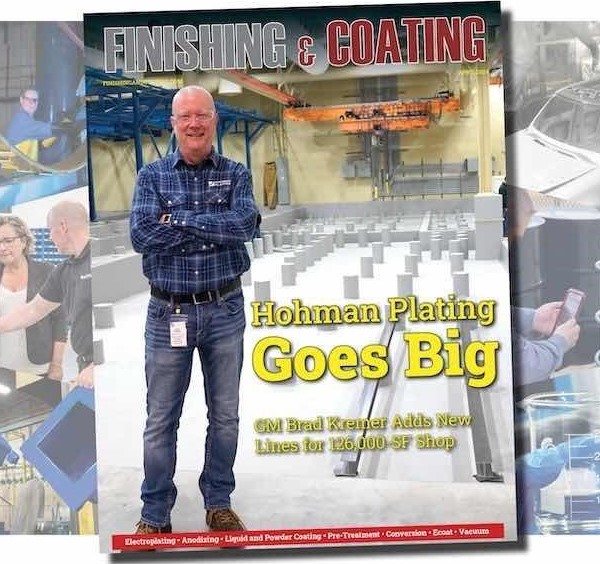
April 2024 Finishing & Coating
By Tim Pennington, Finishing and Coating
Cover story featuring Brad Kremer and the Team at Hohman ...
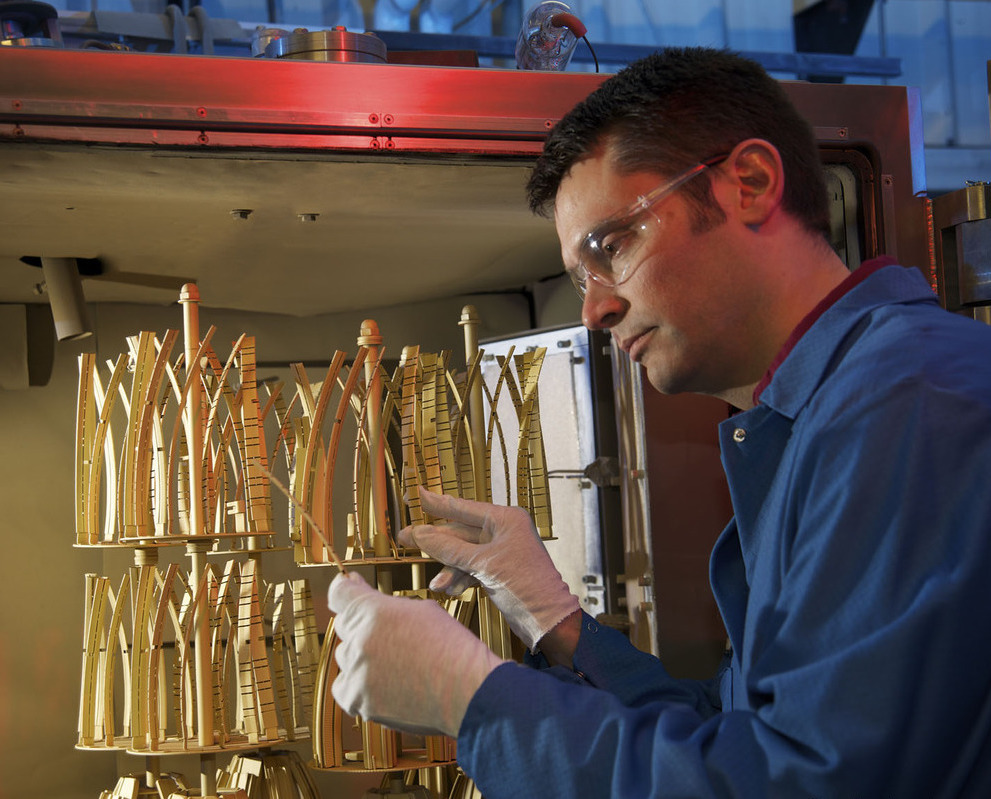
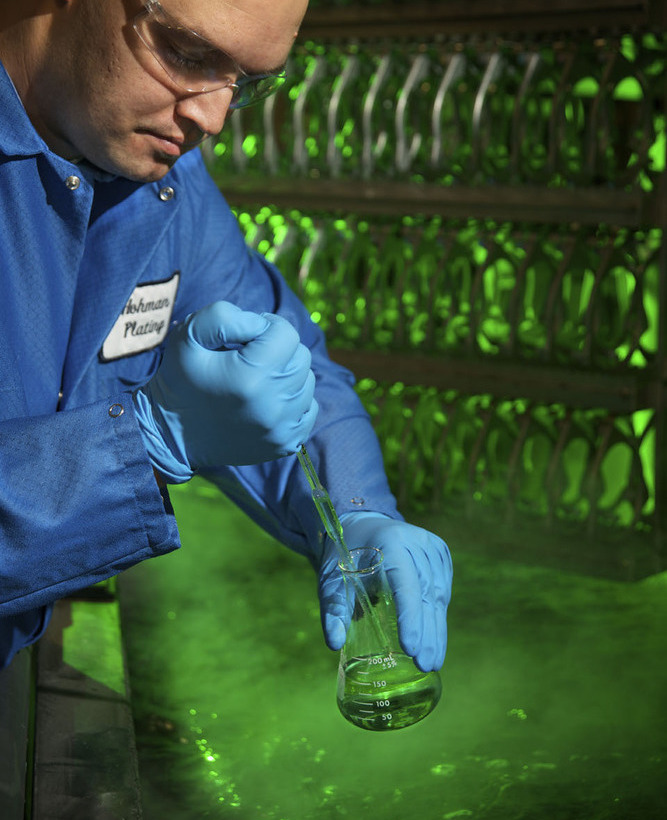
Hohman Plating provides metal finishing and coating services to a worldwide market using engineering expertise and innovative technology applications. We will meet or exceed our customer expectations while focusing on continuous improvement in all areas of our business. Hohman Plating maintains a diversified customer base in multiple markets by offering a stable source of metal finishing options.
Choose among copper, chrome, cadmium and others.

Auto-catalytic chemical reduction coating.

Black oxide, phosphate and chromates.
PVD friction and wear resistant coatings.

Applied in our controlled environment facility.
Hohman Plating and Mfg. is annually recognized as one of the Top Shops in metal finishing in North America and worldwide.